Carmina heard that YouTube has a new guideline for those who are considering to be fully monetized starting February 1, 2027 , lots of people will be affected. People are already having a difficult time accomplishing 4,000 public watched hour what happens when it is double task. Carmina is grateful she has passed the 3,000 public watched hours yet worried if don't reach being fully monetized. I know it explains that won't be affected however we want to make sure by February 1, 2027, that we are fully monetized giving me five months to work harder. As of August 9, 2026, Carmina has 383 public watched hours to accomplish to be fully monetized. My friends tell me better have extended public watched hours just to be safe. The only way to complete the public watched hours is either you have friends play your playlist, go live streaming and do premiere since counted as a live stream. Somehow, I am grateful had encounter YouTube friends helping me with my public watched hours. The...

Carmina was talking to her cousin Mariles and she asked how she can send stars to me.
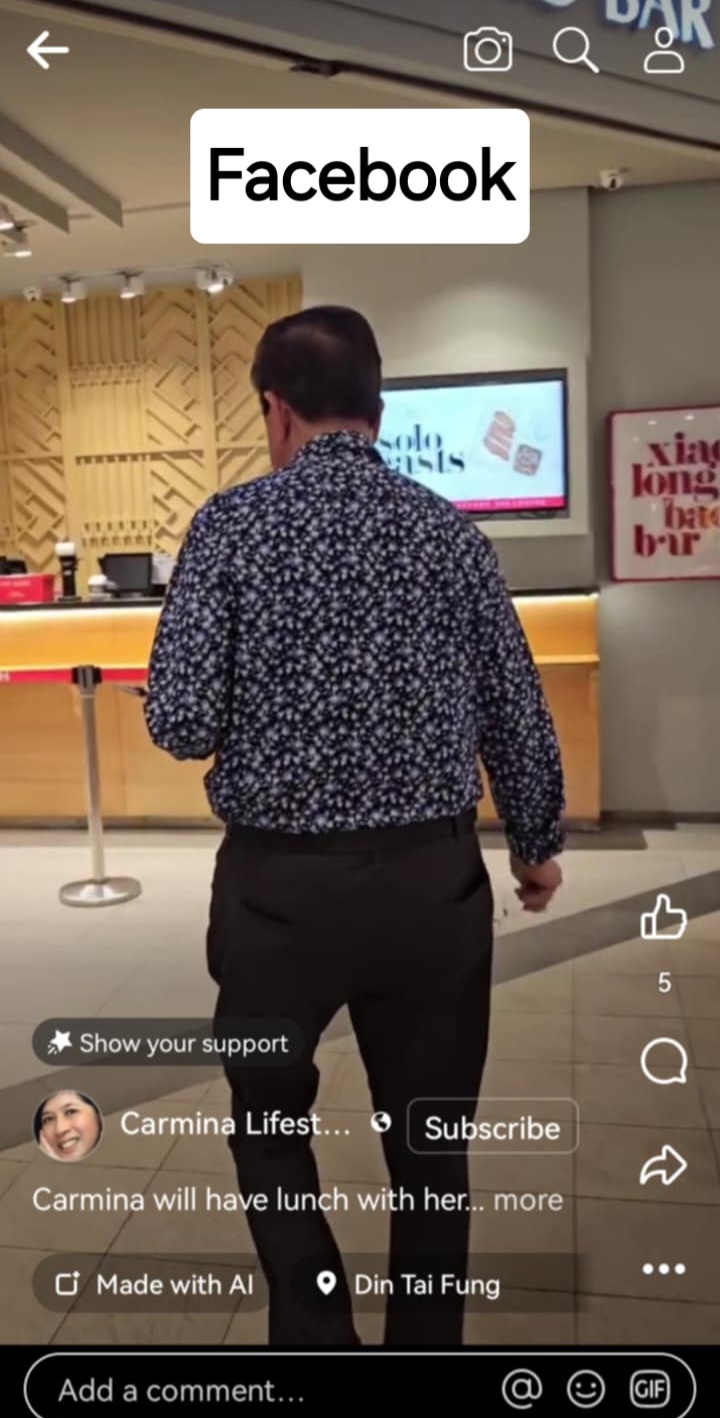
I asked Mariles's iPhone and type Carmina Lifestyle let her watch a reel's video. I had notice she has no stars or subscribe button on the reels.
I had showed it to Mariles using my personal Facebook account and entering inside Carmina Lifestyle.
Click to one of the reels videos and for her to see me send a star for Mariles to understand.

Last night I was chatting with Yssa on Facebook Messenger informed her about it. I remembered Yssa has an iPhone.
Yssa had informed me her second phone is using Facebook Lite application and when she enters to any Facebook reels, she cannot send any stars.
When Yssa use her first phone having the Facebook she can send stars to Carmina Lifestyle or anyone who she is following.
We learn something new every day.
I would like to inform everyone who are using Facebook Lite to uninstall it and use the Facebook application.
Make sure you know your login name and password on your Facebook Lite before you uninstall it from your phone.
NOTE:
Carmina is not selling or advertising for Facebook application.
Subscribe & follow @Carmina Lifestyle a place to look, discover and share.
Thank you for your support!
Comments
Post a Comment